Brick Pathway Adventure offers a charming and accessible platforming experience for players of all ages. The colorful brick-built courses are creatively designed, and the difficulty curve is well-balanced, providing a satisfying challenge without being frustrating. The browser-based play is smooth and convenient, making it easy to pick up for a few minutes. The game's progression system and optional rewards add replay value. It is a perfect choice for casual gamers looking for a fun, family-friendly activity.
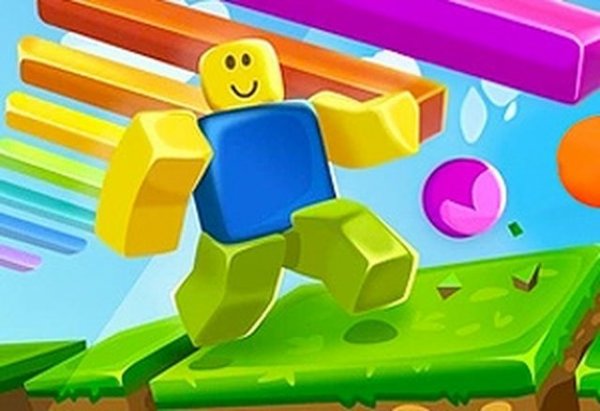
Brick Pathway Adventure is a browser-based platform game where players guide a character through a series of creatively designed courses. The game draws inspiration from the beloved brick-building style, presenting a vibrant world filled with platforms, gaps, and moving elements. The main goal is to reach the end of each course by jumping, climbing, and timing movements carefully. The game is accessible to players of all ages, with straightforward controls that allow anyone to start playing immediately. As players progress, the courses become more complex, offering a satisfying challenge for those who enjoy mastering difficult paths. The game runs directly in the browser without any download, making it easy to start a quick session whenever you have a few minutes. The pacing keeps the action engaging, encouraging players to try again after a misstep and improve their performance with each attempt. Whether you are new to platform games or a seasoned player, Brick Pathway Adventure offers a welcoming yet rewarding experience that invites repeated play.
Players use the keyboard or mouse to control their character through each course. The main objective is to complete the course by reaching the finish line while avoiding falls and other hazards. At the start of each round, a brief control guide appears to help you understand the basic movements. Early courses are designed to let you practice jumping and timing without too much pressure. As you progress, the courses become more complex, requiring careful observation and quick reactions. You can pause the game at any time if you need a break. Success depends on combining precise movement with smart decision-making, especially when faced with moving platforms or tricky gaps. The game rewards patience and practice, so taking the time to learn each section pays off in later stages.
Brick Pathway Adventure includes a clear progression system where objectives gradually become more demanding. The game is optimized for both desktop and mobile browsers, allowing you to play on a variety of devices. Different stages and environments keep each run feeling fresh, with new visual themes and obstacle arrangements appearing as you advance. Customization options may be available to tailor the experience to your preferences. A reward system encourages players to complete objectives and beat their personal records. The game offers strong replay value due to changing scenarios and the desire to improve your time and performance. Intuitive controls are designed for fast, responsive play during browser sessions.
Observe the course layout before making your move; many sections are easier when you plan ahead. Learn from each mistake and adjust your approach on the next attempt. Focus on completing the main path before trying to collect optional items or bonuses. Stay calm when the difficulty increases, as rushing often leads to errors. Use the early stages to get comfortable with the controls and rhythm of the game. Consistent practice will help you build the muscle memory needed for more complex courses.











Player Comments
Sign in to comment
You must be logged in before posting a review or rating.
No account? Create one
No comments yet. Be the first to comment!